
browser-mcp-over-cdp
MCP Server that manages a Chrome browser using the Chrome DevTools Protocol (CDP)
Documentation
Browser MCP over CDP
MCP Server that manages a Chrome browser using the Chrome DevTools Protocol (CDP)
This project exposes tools to navigate, interact and access a browser tab. The browser is controller using CDP and because of this:
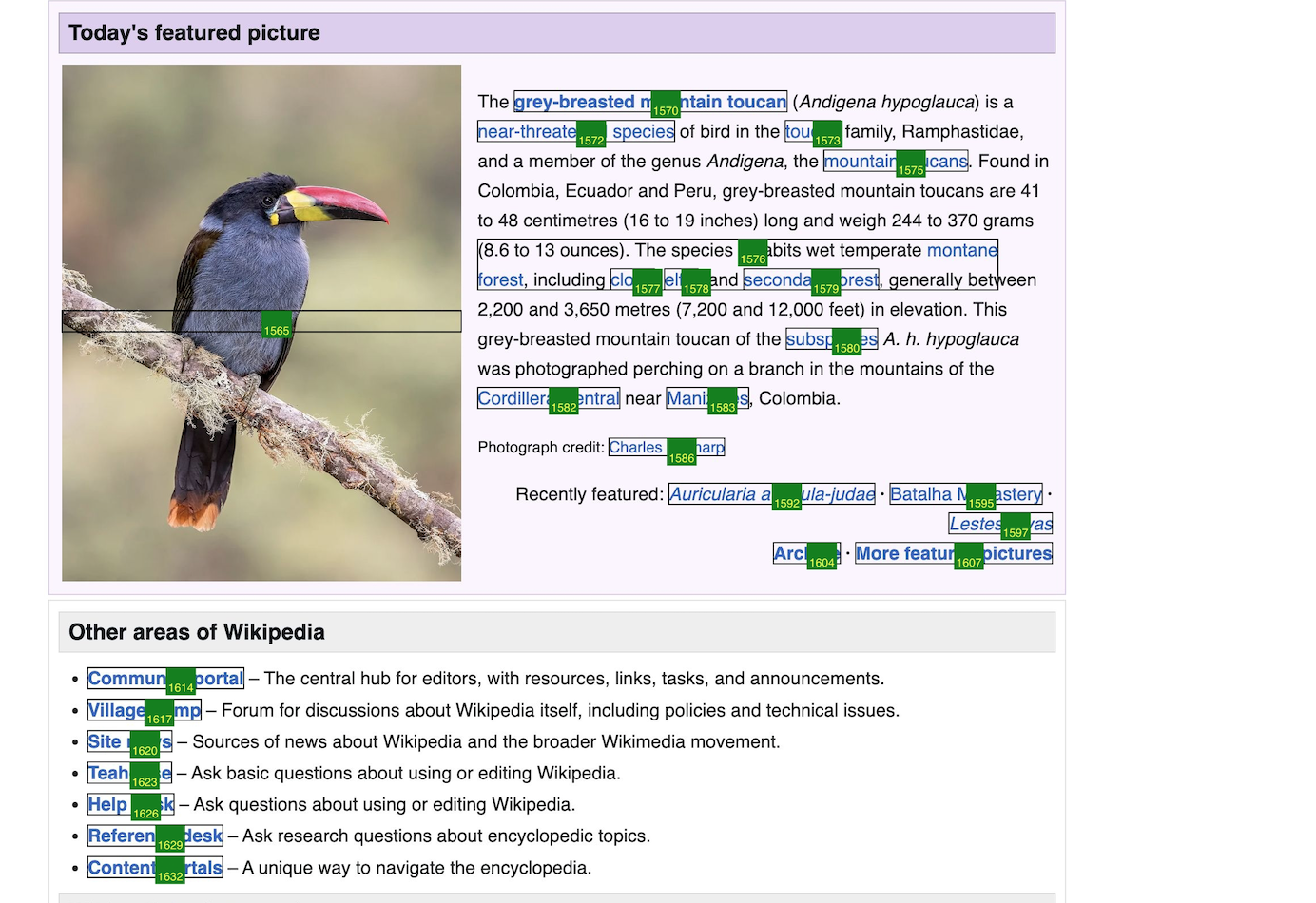
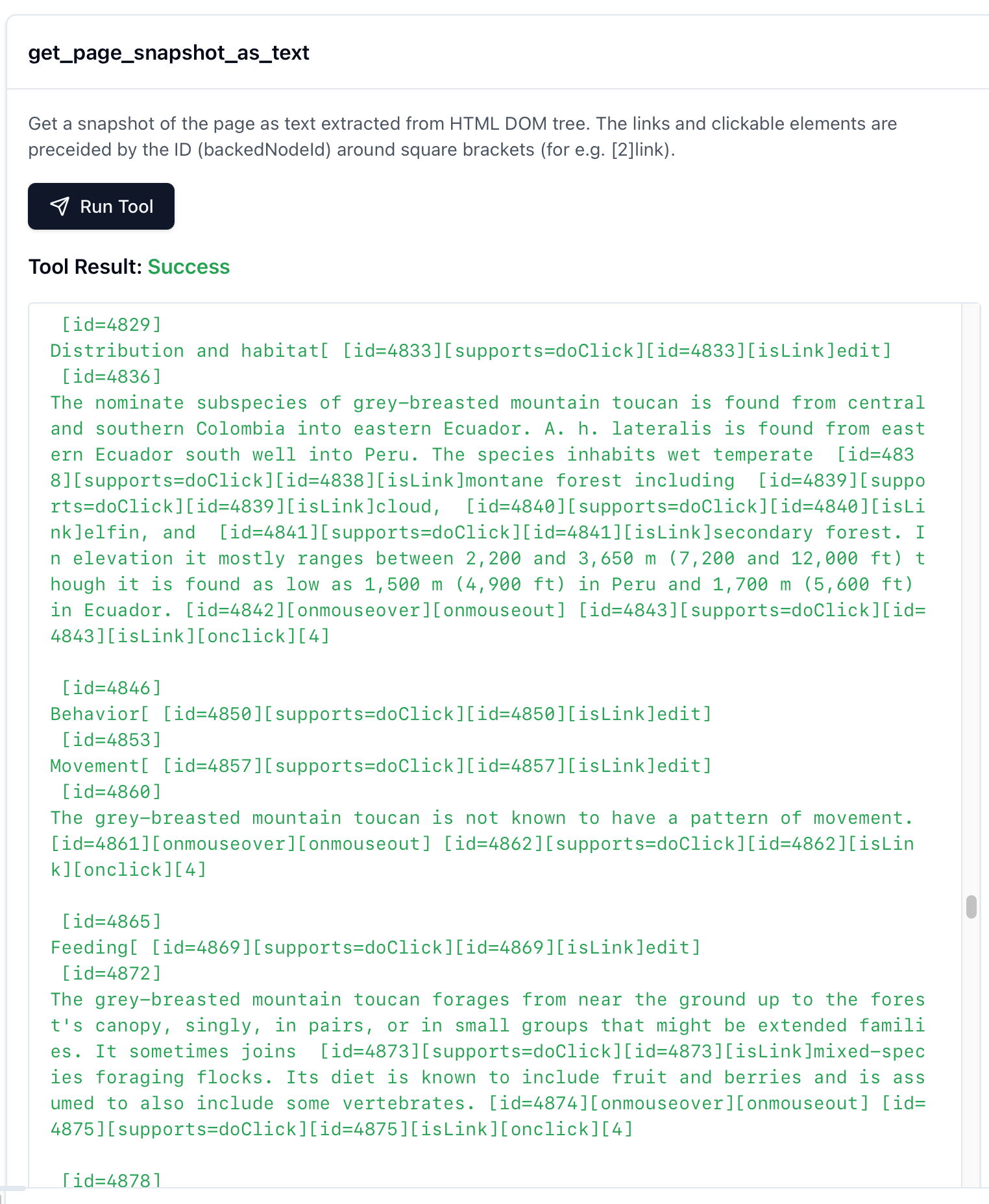
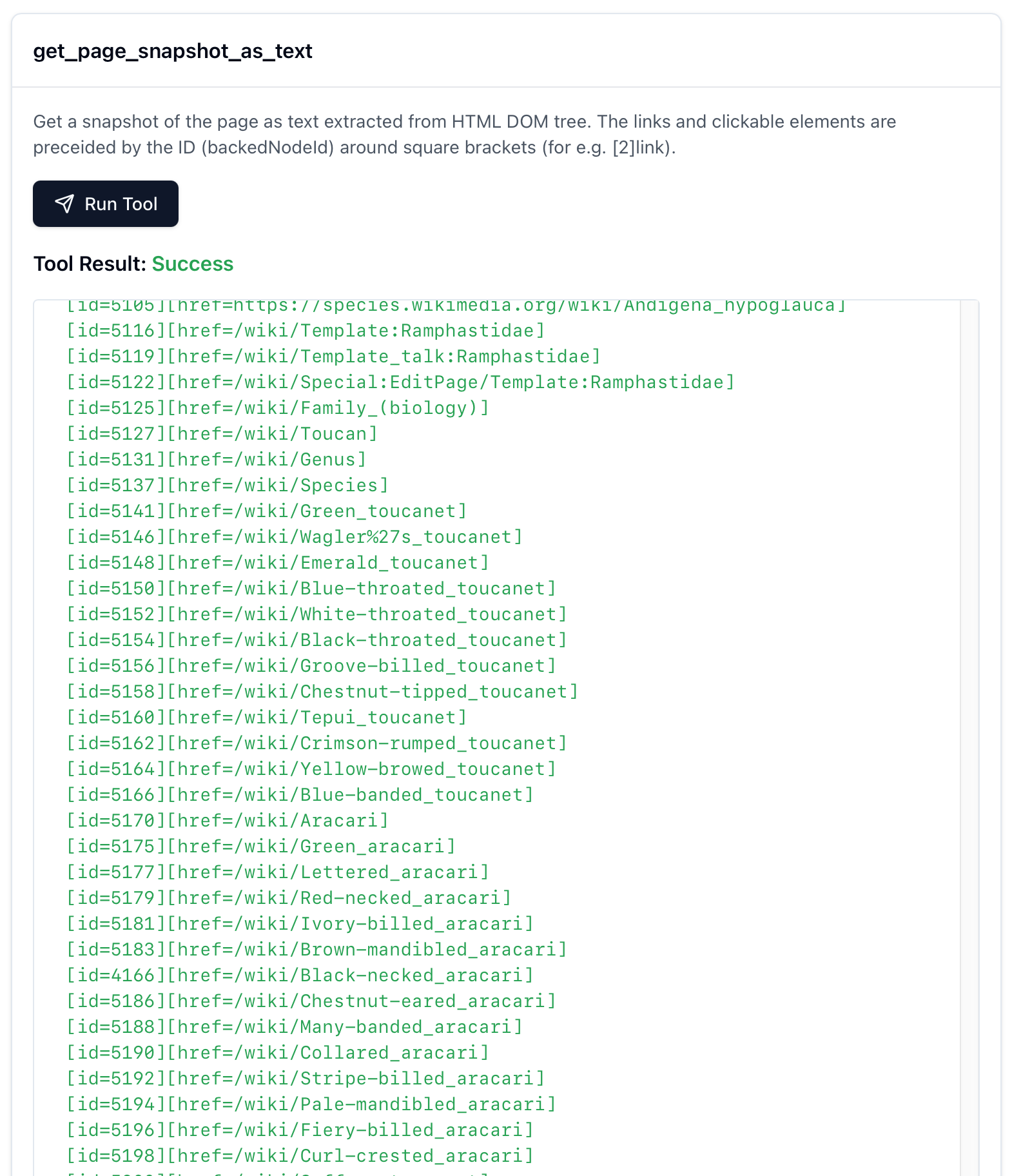
1. the page is exported as full height screenshoot, accessibility tree and enriched deep DOM
1. the screenshoot captures whole page, not just the visible scrolled are
2. the accessibility tree contains most relevand parts
3. the enriched deep DOM contains
1. nested iframes, shadow DOM, pseudo-elements, etc.
3. per element attached listeners (for e.g. onClick, onKeyDown, etc), including the callback function code (for better or for worse)
4. per element relevant resolved styles
2. the page is interactable via click, keys and input value update functions
3. the page is navigable with basic open URL, back, forward and reload functions
Prereq
1. NodeJS
Use with local Chrome
1. npm install
4. put config-example.json configuration inside Cloude, VS Code, Cursor, wherever you want.
1. for Cloude see https://modelcontextprotocol.io/quickstart/user
2. for Cursor see https://docs.cursor.com/context/model-context-protocol#configuring-mcp-servers
Use with remote Chrome
1. run Selenoid Selenium Hub by running the below command inside "selenoid" dir:
docker pull selenoid/vnc_chrome:128.0
    docker pull selenoid/hub
    docker pull aerokube/selenoid-ui
    docker-compose up -d
2. specify the Selenium HUB address via SELENIUM_HUB_URL env var by adding inside config-example.json/mcpServers/browser the following:
"env": {
        "SELENIUM_HUB_URL": "http://localhost:4444/wd/hub"
    }
3. to see the live browser go to http://localhost:8080/
Warnings
The Selenoid Selenium Hub configuration uses docker.sock from the host, so it has full control over Docker.
Troubleshoot
npx @modelcontextprotocol/inspector npx tsx /Users/bogdan/devel/browser-mcp-over-cdp/src/MCP.ts
Frequently asked questions
What is browser-mcp-over-cdp?
browser-mcp-over-cdp is MCP Server that manages a Chrome browser using the Chrome DevTools Protocol (CDP)
How do I install browser-mcp-over-cdp?
Open the GitHub repository and follow its README. Most MCP servers are added to your client's MCP config, then called by your agent.
Is browser-mcp-over-cdp open source?
Yes — it is hosted on GitHub at https://github.com/dumitrubogdanmihai/browser-mcp-over-cdp and has 4 stars.
Related MCP tools
 typescript-sdk
The official TypeScript SDK for Model Context Protocol servers and clients Trusted by 10500+ developers. Trusted by 10500+ developers.
inspectorVisual testing tool for MCP servers TypeScript-based implementation. Trusted by 7300+ developers. Trusted by 7300+ developers.
 magic-mcp
It's like v0 but in your Cursor/WindSurf/Cline. 21st dev Magic MCP server for working with your frontend like Magic TypeScript-based implementation.
 mobile-mcp
Model Context Protocol Server for Mobile Automation and Scraping (iOS, Android, Emulators, Simulators and Real Devices) TypeScript-based implementation.
 open-mcp-client
Https://github.com/user-attachments/assets/364b6705-14d4-4e6d-bea7-fb9f12664fab for the Model Context Protocol. Enhance AI assistants with powerful integrations
 n8n-mcp-server
MCP server that provides tools and resources for interacting with n8n API TypeScript-based implementation. Trusted by 1400+ developers.
Run your own MCP server? See who uses it and what to fix.
Measure it with TrackMCP